Contact

Team console

Every villa.One view.

Requests, bookings, villas, hubs and numbers, in one place for your team.

Part of Livin+ Stay. In the browser.
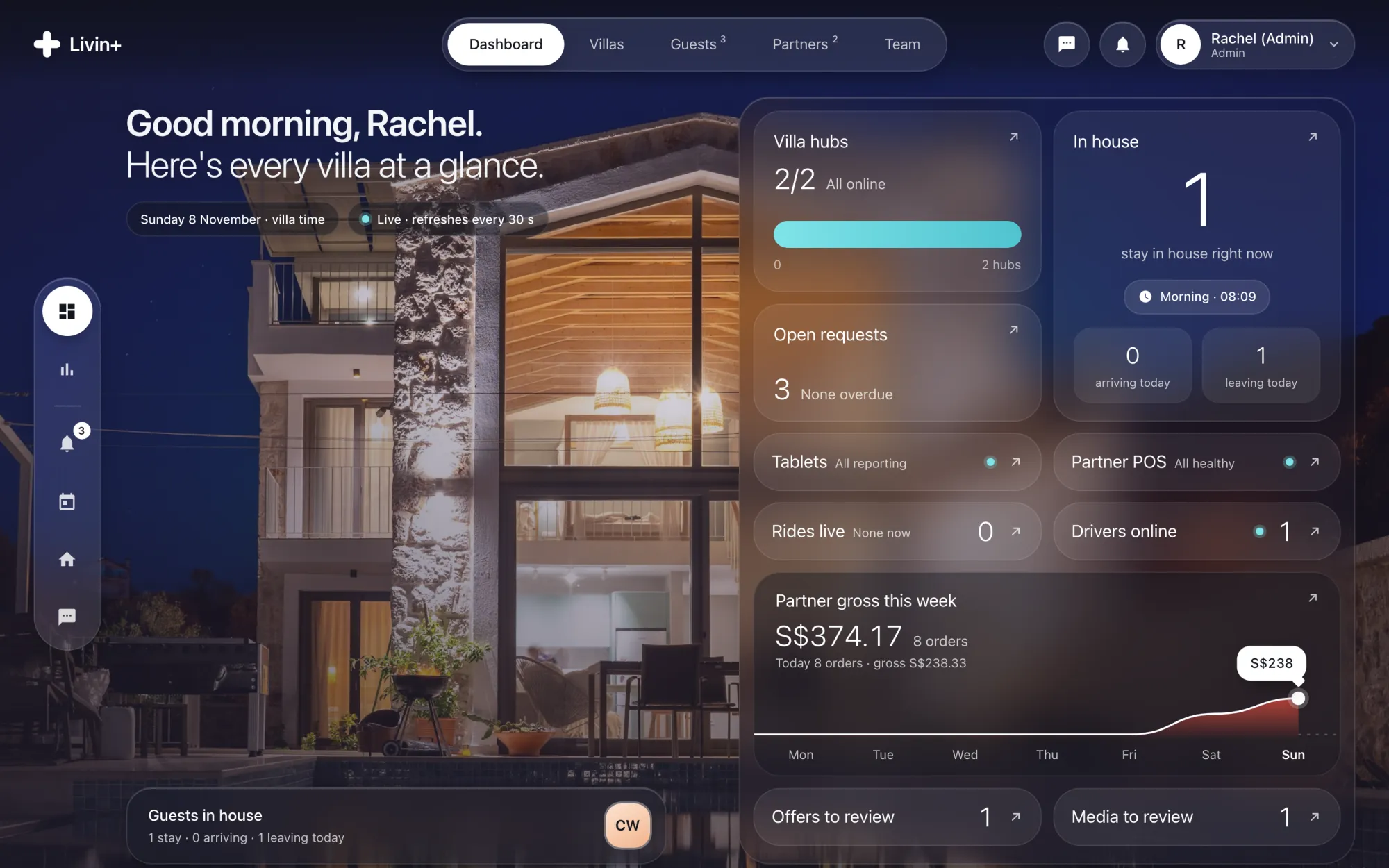
Console dashboard: Good morning, Rachel. over the villa photo, with hubs, guests in house, requests and a partner sales chart for the week

Every request. Every villa. Live.

Requests.In one queue.

From the tablet, the guest app and Ask Livin+, with priority, assignee and age. Filter by status or villa.
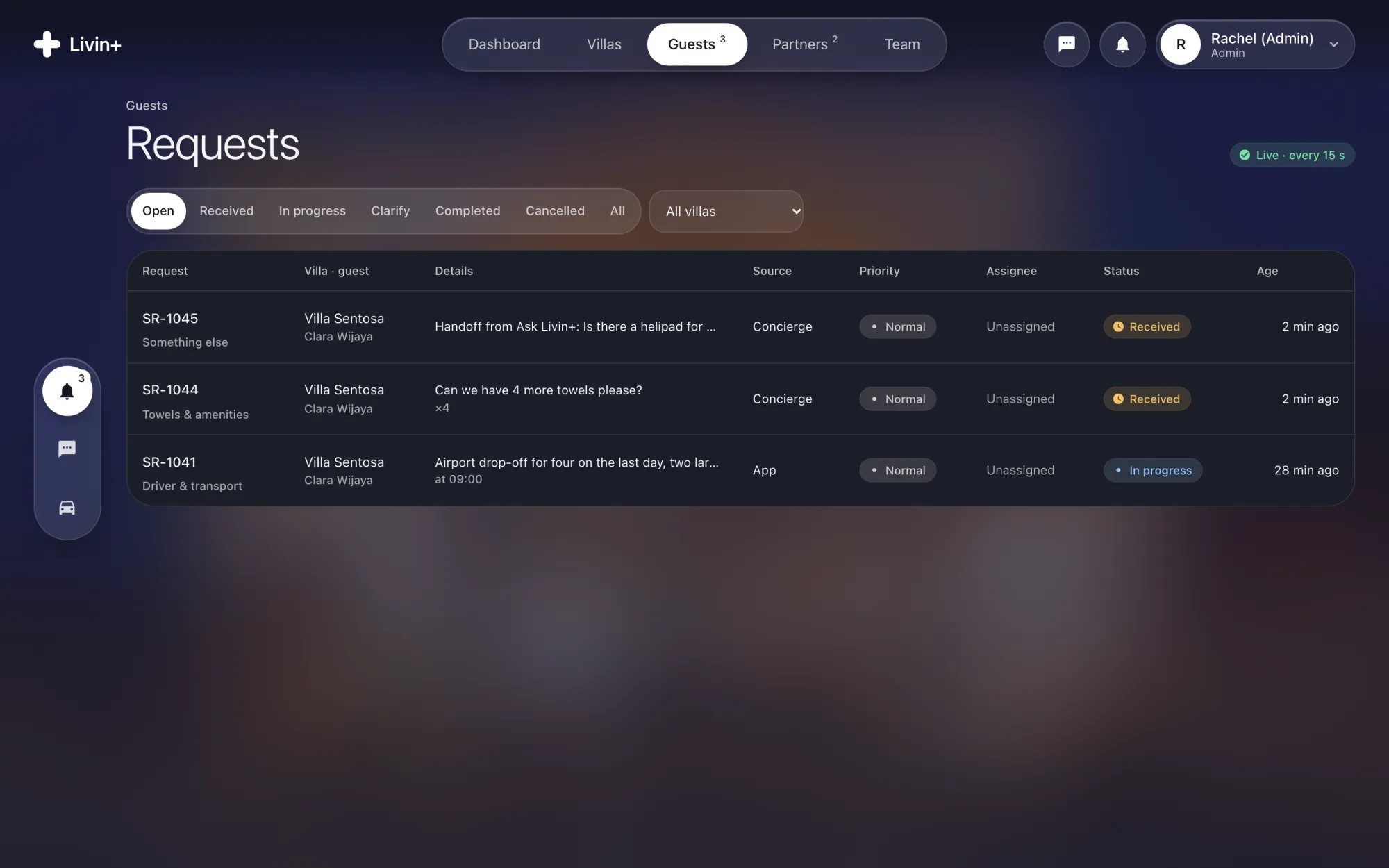
Requests queue with handoffs from Ask Livin+ and app requests, priority and status

Every device.Mapped and tested.

Rooms and devices linked to Home Assistant, each with a safety policy and its live state. Test a command before a guest ever taps it.
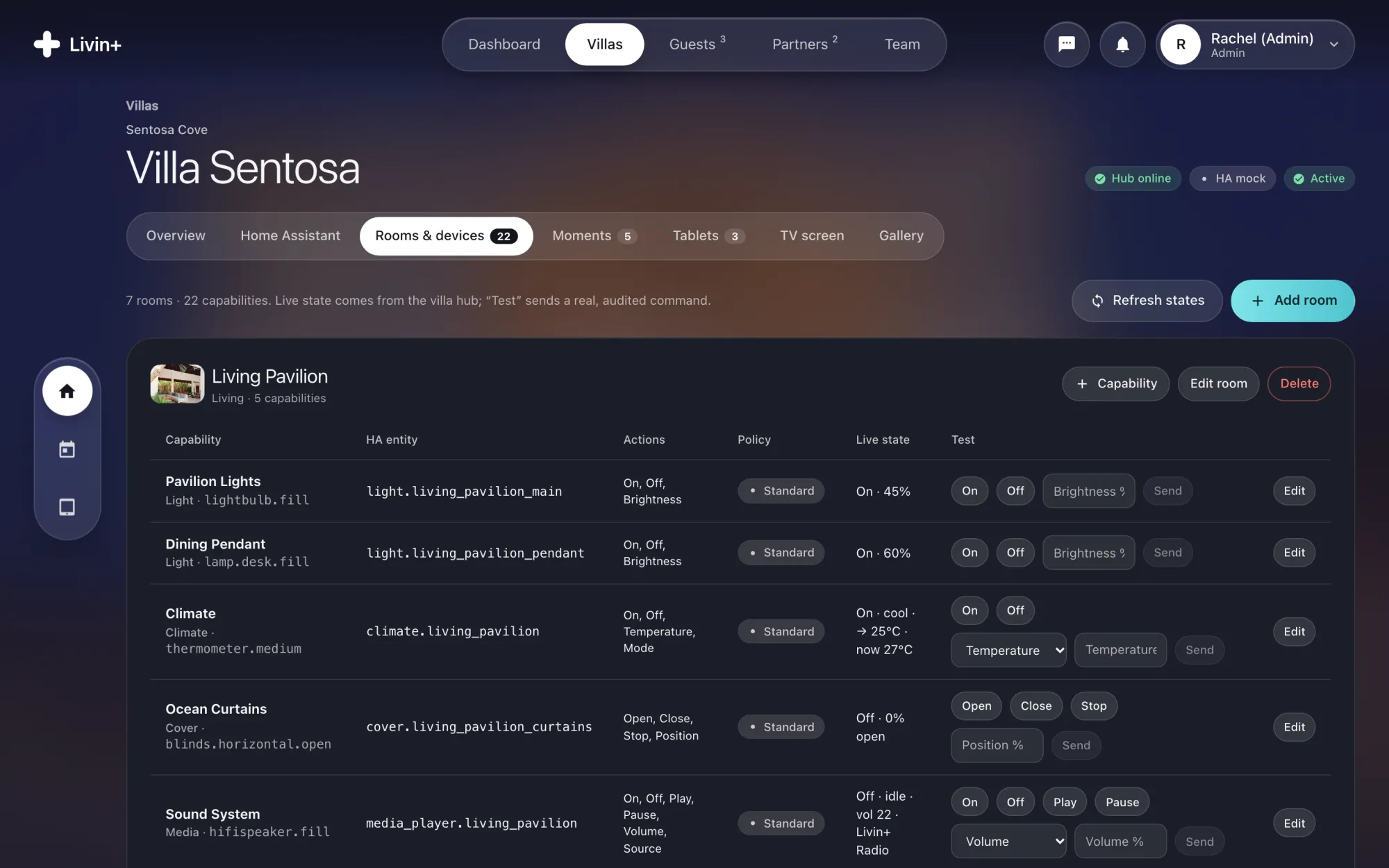
Villa Sentosa, Rooms and devices: Living Pavilion lights, climate, curtains and sound with Home Assistant entities, policy, live state and test buttons
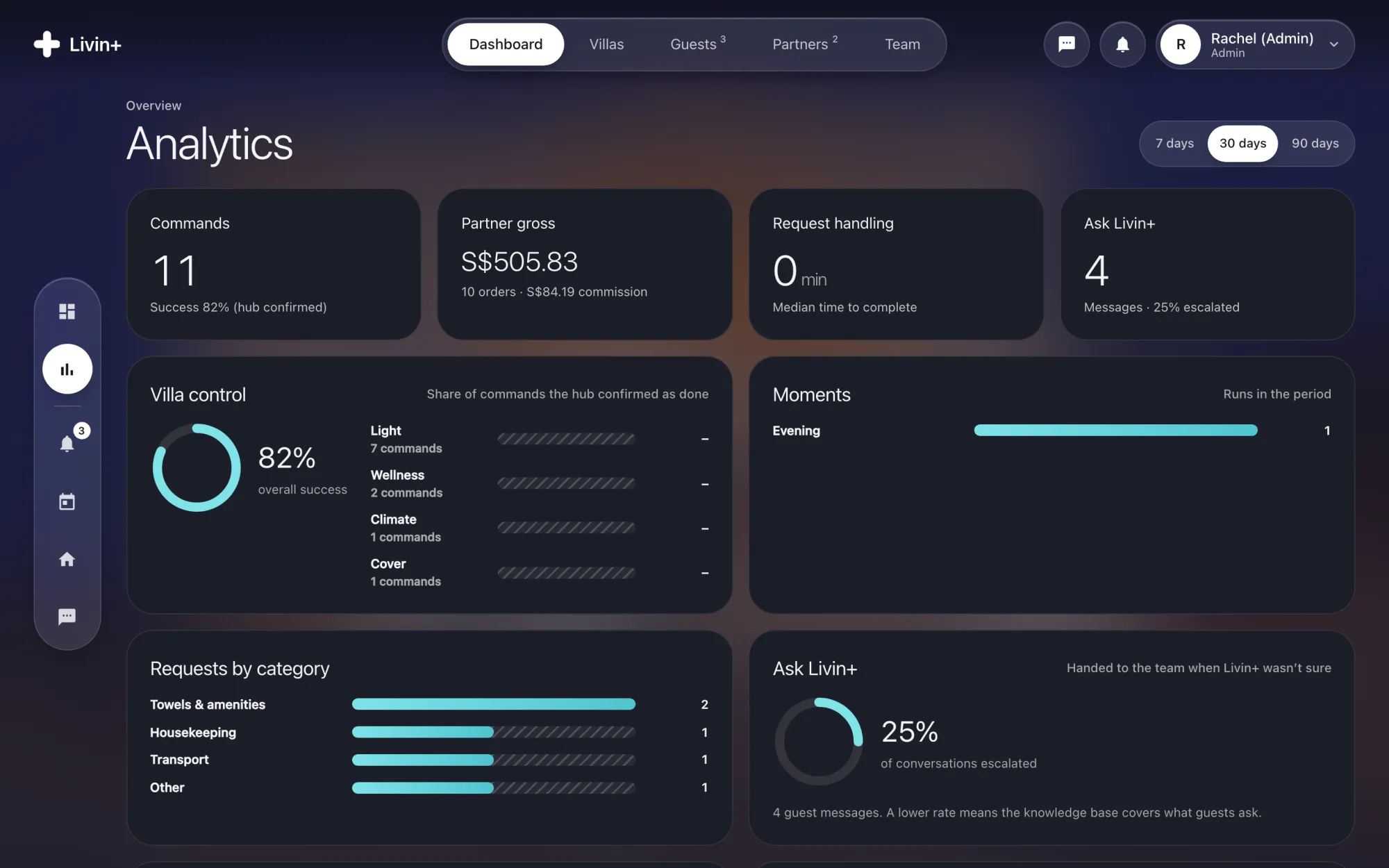
Analytics for 30 days: commands and hub success rate, partner gross, request handling time, Moments run, requests by category and Ask Livin+ handoff rate
Numbers you can act on. Command success, handling time, Moments and how often Ask Livin+ hands over.

One console. Every role.

  • Admin and opsOps handles guests; admins also manage villas and settings.
  • BookingsEach booking gets its own stay key.
  • HubsSee which villa hub is online, degraded or offline.
  • TV screenEdit and preview the welcome.

Run every villafrom one tab.

Your team gets access during activation.